Creating a Teamspace
1
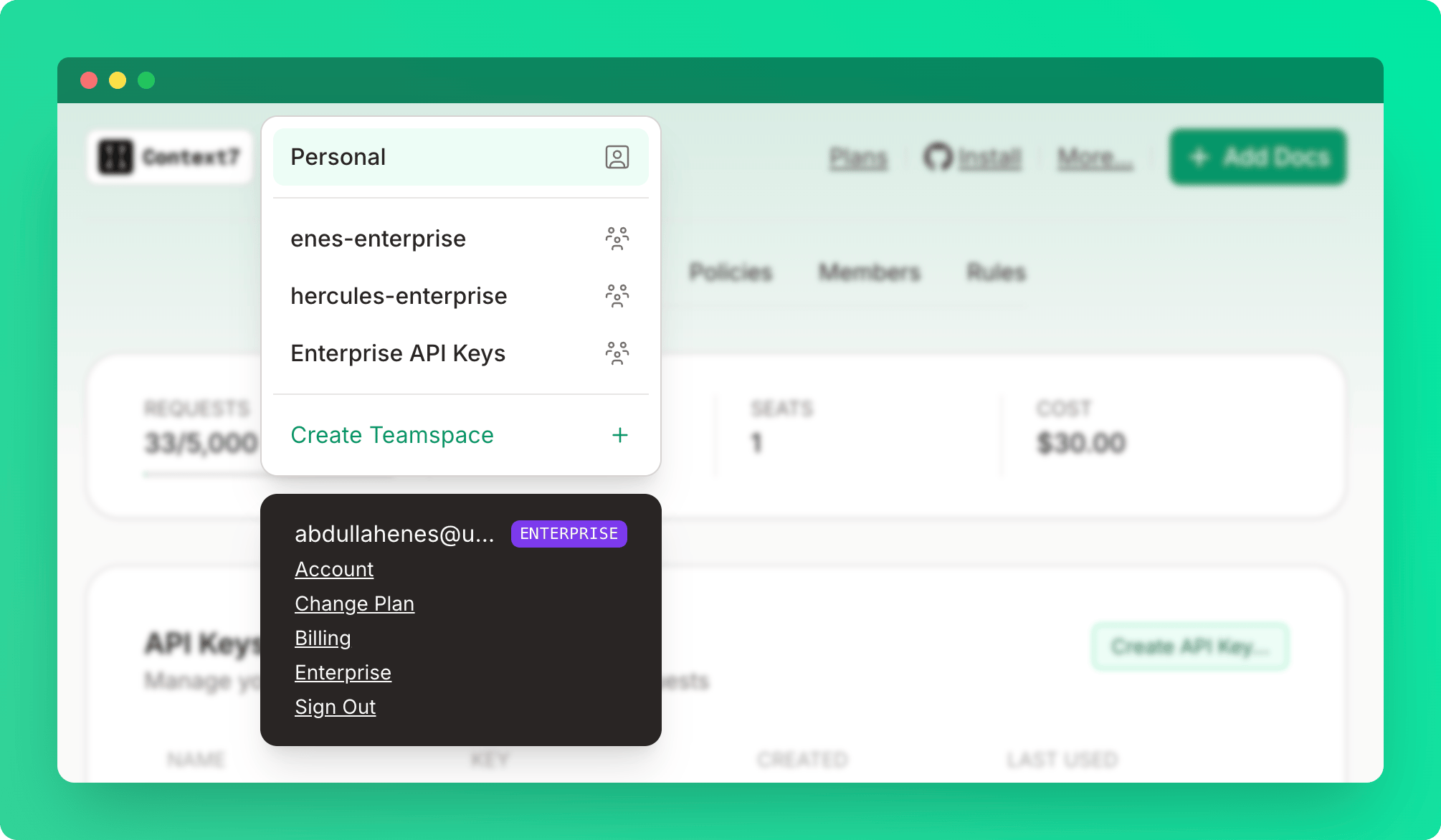
Open the teamspace menu
Click Create a teamspace from the top-left dropdown.
2
Name the teamspace
Enter a teamspace name.
You must have a Pro or Enterprise plan to create a teamspace. Only the teamspace owner needs a paid plan — invited members don’t need their own subscription. Once added, all members automatically benefit from the team’s Pro or Enterprise limits.
Roles
Inviting Members
1
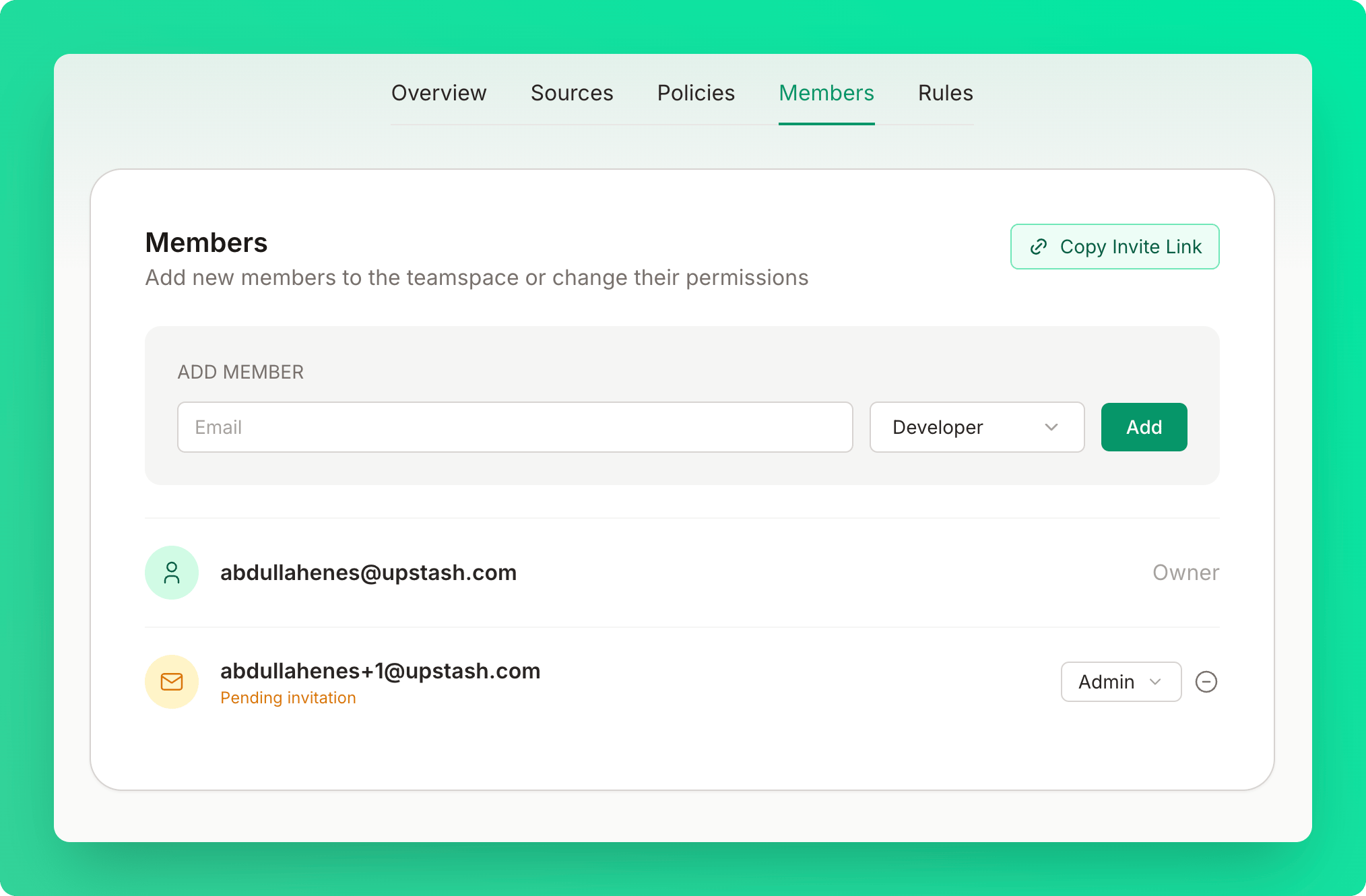
Enter the member's email
Enter the email address of the person you want to invite.
2
Select a role
Choose Developer or Admin.
3
Send the invite
Click Add. The member receives an invitation email and is automatically added to the teamspace once they sign in.
The invitation will remain pending until they sign in.
Teamspace Settings
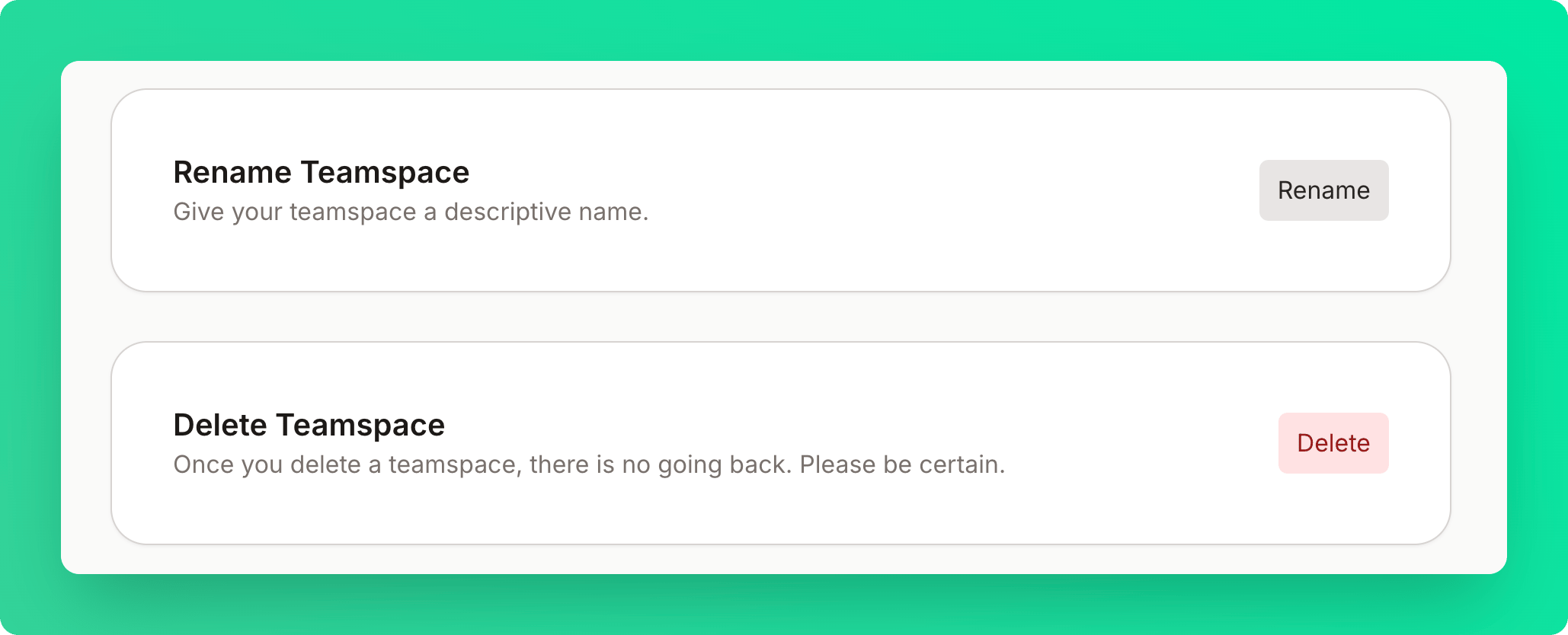
If you are the owner of the teamspace, you can rename or delete the teamspace under the overview tab.